Overview
The SDK supports five distinct ways for players to acquire and install mods. Each maps to a different player context and use case:
| Mod installation method | Use case |
|---|---|
| Subscribe to a mod (Recommended) | Cross-device library sync via in-game and web |
| Direct mod install | In-game installation on a single device |
| Auto install/sync on server connection | Automatic mods sync when joining a server |
| Dynamic downloading | Passive discovery during multiplayer game session |
| Manual file placement | Off-platform support for local usage |
Studios do not need to implement all five. The right combination depends on game type, supported platforms, and the player journeys you want to support.
Choosing the right installation methods for your game
1. Subscribe and sync
Players can subscribe to mods in-game or on the CurseForge website. The SDK installs those subscriptions automatically the next time the game runs, keeping the player's mod library consistent across devices.
When to use this method — Enable this to support mod discovery outside the game, through web search, influencer content, or social media.

2. Direct mod install
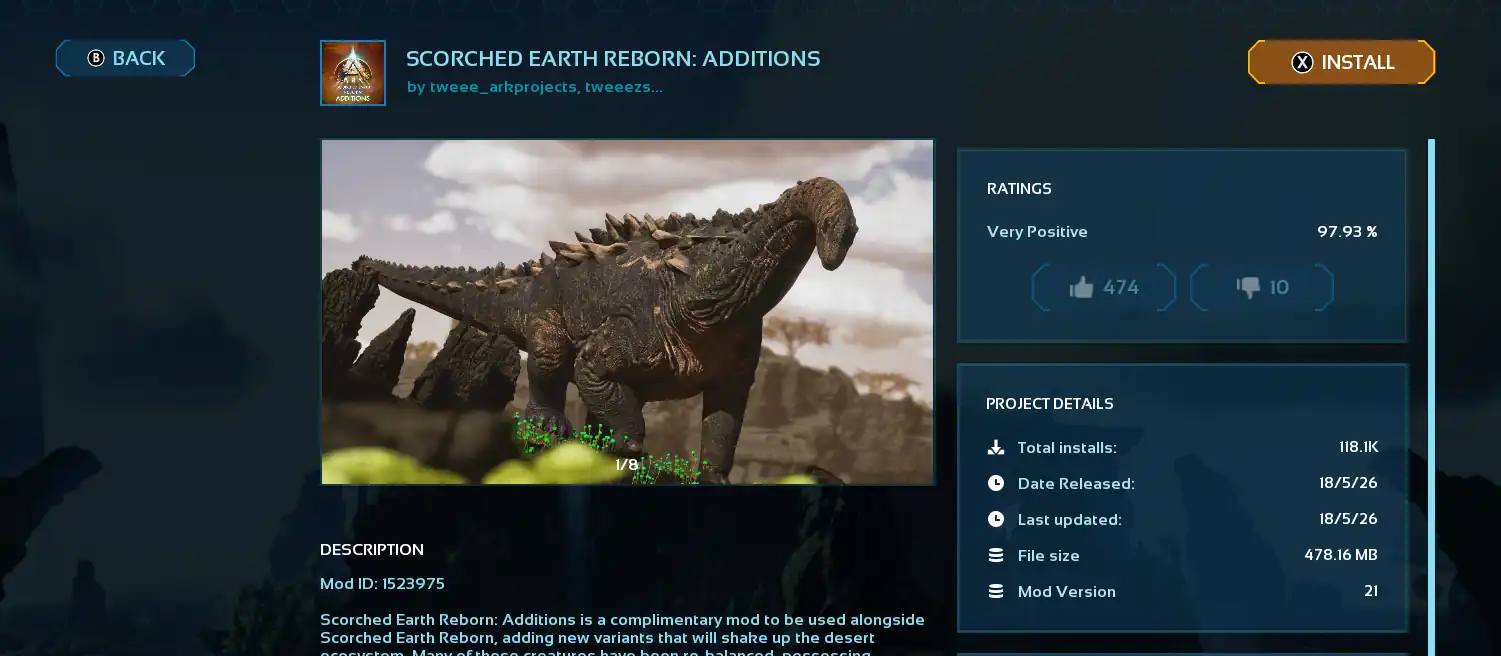
Allow players to browse through your game's mod catalog while filtering, searching and sorting the catalog based on various parameters, without leaving the game.
When to use this method — This is the easiest way to get started if you prefer to skip the full subscription setup.
3. Auto install/sync on server connection
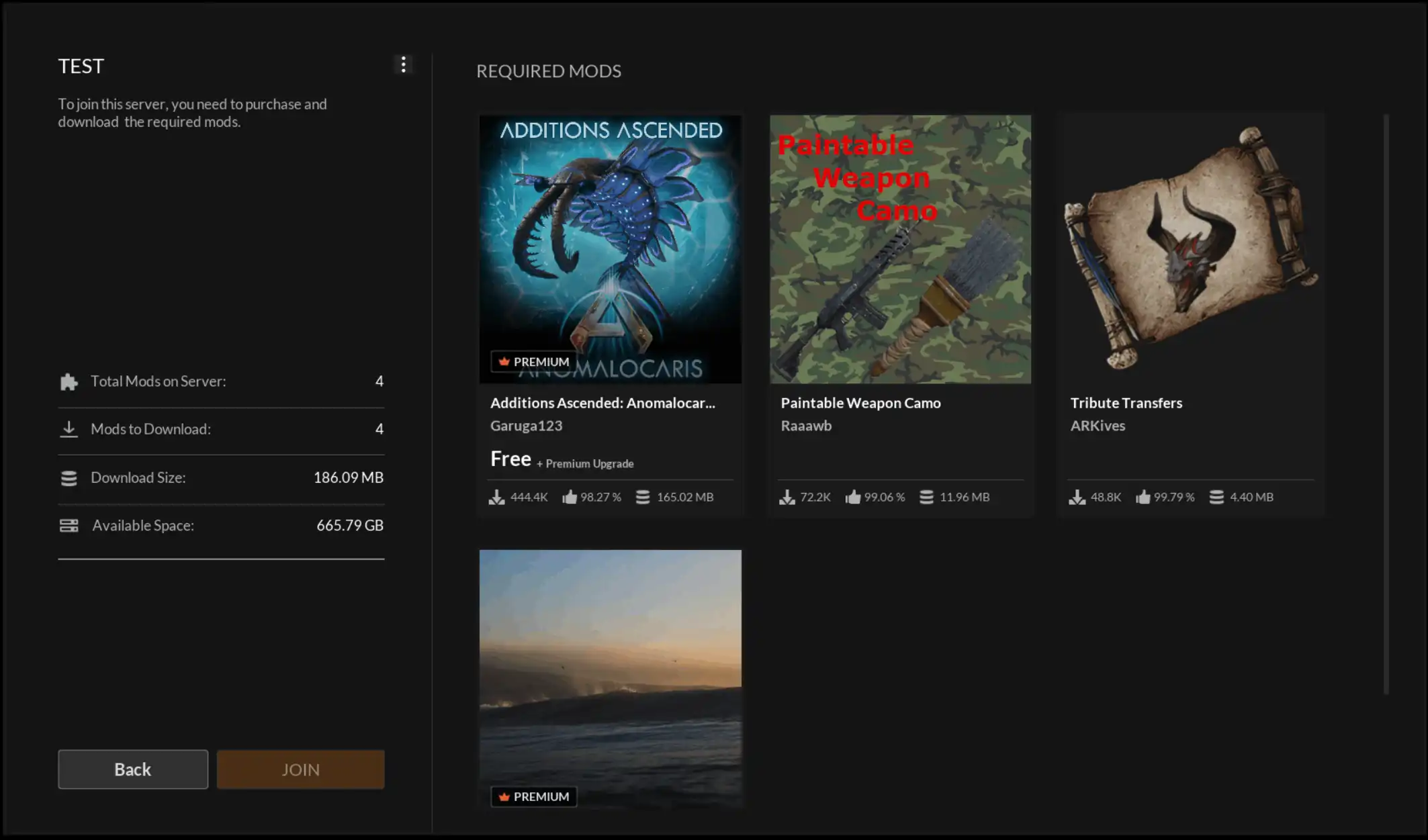
Joining a modded server triggers the CurseForge SDK to automatically detect the necessary mods and display a server module that provides:
- A comprehensive list of mods needed for server access
- An estimate of the disk space required for all downloads
- Notifications for any premium mods that must be bought prior to joining
After the player confirms they wish to join, the SDK aligns their local library with the requirements of the server by:
- Downloading any mods currently missing from the local machine
- Upgrading local mods if the server utilizes a more recent version
- Reverting to an older mod version if required by the server configuration
When to use this method — If your game includes a modded multiplayer server experience, implement this method to handle mod synchronization at join time.
4. Dynamic downloading
Dynamic downloading lets the game silently download mod files in the background without the player explicitly installing them.
When to use this method — The primary use case is multiplayer cosmetics: when one player has a skin or visual mod active, the game downloads it for all other players in the session so they can see it. This creates passive discovery: players see content they do not own, which drives installs. The game has full control over when a download is triggered. For example, you can trigger installation based on proximity to other players or the player's location in the map.
5. Manual file placement
The SDK can detect mod files placed in the mods folder outside of the SDK, for example mods a player downloaded manually or through a third-party tool.
When to use this method — Enable this method when you want to support mods not distributed through CurseForge for local play sessions.
While this method is supported, it is strongly discouraged. Because local mods bypass the CurseForge ecosystem, the SDK cannot verify file integrity, enforce content moderation, or validate ownership of premium assets. Implementing this method shifts the burden of security, compliance, and anti-tamper enforcement entirely to the studio.
Across all methods, the SDK tracks installed state consistently. A mod acquired through any method appears in the "Installed" tab and behaves identically from the game's perspective, with one exception: dynamically downloaded mods carry a dynamicContent flag that distinguishes them from fully owned installs. This is why you will not see these type of mods in the "Installed mods" tab.
The code examples in this section use the Unreal Engine plugin (Blueprint via UCFCoreSubsystem, C++ via the ICFCore* interfaces).